

Finding the right style for your home can feel overwhelming, especially when faced with endless décor choices and layout possibilities.
You’re not alone – many people struggle with visualizing their ideas, choosing the right colours, or arranging furniture.
That’s where AI design tools step in. These apps make it easier to test out designs, explore new styles, and even stage rooms quickly.
Whether you’re a homeowner, designer, or real estate agent, these tools can help you transform your space effortlessly.
Let’s dive into some of the best options available and how they work for you.
We’ll break down what each app offers, who it’s best for, and rank them from 1 to 10:
1. Midjourney – Bringing Your Design Ideas to Life
If you have a design idea in mind but can’t quite picture it, MidJourney can help turn your thoughts into visuals.
Who it’s for: Homeowners, designers, and DIY enthusiasts who want quick visuals to bring room ideas to life.
Pricing: Starts at $10/month for basic features; advanced options are available at higher tiers.
How to Use It: Simply describe what you’re imagining. For example, type in “cozy bedroom with natural light and plants,” and MidJourney generates images that match your idea. It’s a fun way to explore different styles before making any decisions.
Ranking: 9/10 – Excellent for generating ideas quickly, but you might need to tweak your descriptions to get the best results.
2. InteriorAI – Easy Room Layouts and Virtual Staging
Struggling with arranging your furniture or staging a room for sale? InteriorAI offers suggestions to make the process smoother.
Who it’s for: Real estate agents needing to stage properties; homeowners looking for help with room layouts.
Pricing: $29/month after a free trial period.
How to Use It: Upload a photo of your room. InteriorAI analyzes it and suggests different layouts or staging options based on your preferred style. It’s like having a virtual interior designer offering you ideas.
Ranking: 8/10 – Provides quick layout options, though you might need to adjust the suggestions to perfectly match your taste.
Share This Post:
3. HomeStyler – Experiment with Room Designs in 3D
Want to play around with different furniture and décor before making a purchase? HomeStyler lets you design your space in 3D.
Who it’s for: DIY designers and homeowners experimenting with furniture and décor.
Pricing: Basic plan is free; premium features start at $9.99/month.
How to Use It: Create a 3D model of your room and start adding furniture, changing colors, and trying out different layouts. It’s a hands-on way to see how changes will look before committing.
Ranking: 7/10 – User-friendly for beginners, but professionals might find it lacks some advanced features.
4. VisualStager – Virtual Staging Made Simple
Need to make an empty property look inviting? VisualStager helps you add virtual furniture to real photos.
Who it’s for: Real estate agents wanting to make empty properties more appealing to buyers.
Pricing: Pay-per-image, around $15 per photo.
How to Use It: Upload photos of the empty rooms, then select and place furniture from their library into the images. It’s an easy way to show potential buyers what the space could look like furnished.
Ranking: 8/10 – Ideal for real estate needs, though it’s limited to basic staging without extensive customization.
Share This Post:
5. RoomGPT – See Your Room in a New Light
Want to play around with different furniture and décor before making a purchase? HomeStyler lets you design your space in 3D.
Curious about how your room could look with a different style? RoomGPT gives you quick makeovers.
Who it’s for: Homeowners wanting to test new ideas and see different looks for their space.
Pricing: Free to use with limited features; paid plans start from $5/month.
How to Use It: Upload a photo of your room and choose from various design styles and themes. The AI then shows you how your room could look, giving you fresh ideas without any commitment.
Ranking: 7/10 – Great for quick inspiration, but the results might need manual adjustments to suit your exact preferences.
6. ReStage AI – Fast and Affordable Room Redesigns
Need a quick redesign without breaking the bank? ReStage AI provides fast room makeovers.
Who it’s for: Realtors and homeowners seeking quick and affordable staging ideas.
Pricing: Pay-per-image model, around $20 per photo.
How to Use It: Upload a picture of your room and select a design style. The AI generates a redesigned version of your room, which can be helpful whether you’re selling or just want a new look.
Ranking: 8/10 – Delivers quick results, though customization options are somewhat limited.
Share This Post:
7. Virtual Staging AI – Budget-Friendly Staging Solutions
Looking for cost-effective staging for multiple properties? Virtual Staging AI might be your answer.
Who it’s for: Real estate agents needing affordable staging; homeowners who want to style their homes virtually.
Pricing: Starts at $16/month for staging 6 images, with unlimited revisions included.
How to Use It: Upload your empty room photos and choose from various staging styles. The AI adds furniture and décor to your images, helping potential buyers visualize the space.
Ranking: 9/10 – Excellent for quick and affordable virtual staging, especially if you’re working with several properties.
Feeling overwhelmed by these apps? Personalized help is available.
While these AI tools are fantastic for exploring design ideas and staging your spaces, it’s normal to feel a bit overwhelmed by the options and technology. If you’re unsure about using these apps or prefer a more personalized touch, AI Creative Interiors is here to help.
At AI Creative Interiors, we offer personalized AI design services that take the guesswork out of home decorating and staging. Instead of navigating new software on your own, you can work with a professional who understands your unique needs and preferences.
We provide tailored solutions at very affordable prices, making it easier than ever to transform your space without the stress.
Whether you’re redesigning a room, staging a home for sale, or simply need guidance on bringing your ideas to life, we’re here to support you every step of the way.
Reach out to us, and let’s create a space you’ll love:
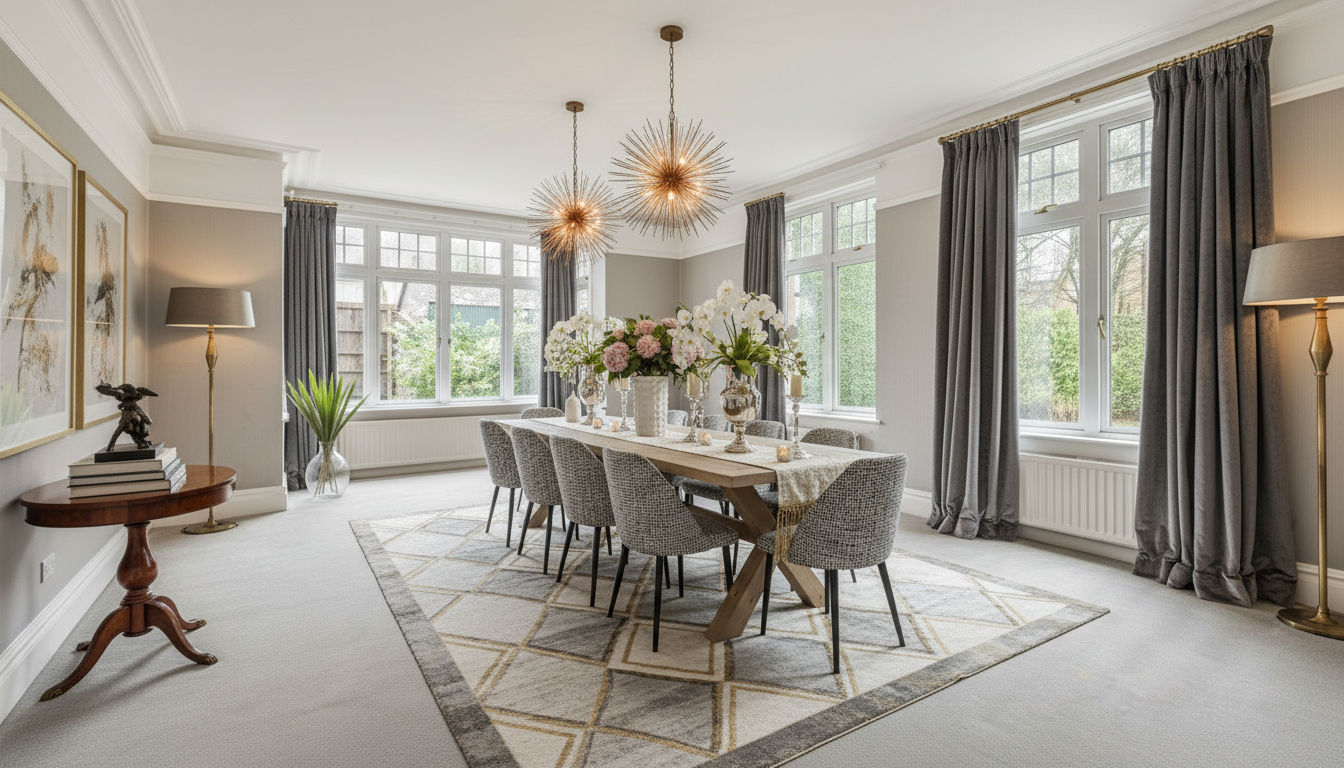
How to Create a Scroll-Stopping Rightmove Listing for Dated Properties
There is a hidden inventory in the UK housing market right now. We all see them. The substantial family homes in prime postcodes, with high ceilings, incredible square footage, and solid history. They should be flying off the shelf. But they aren't. They are sticking, simply because the decor is stuck in a different decade. [...]
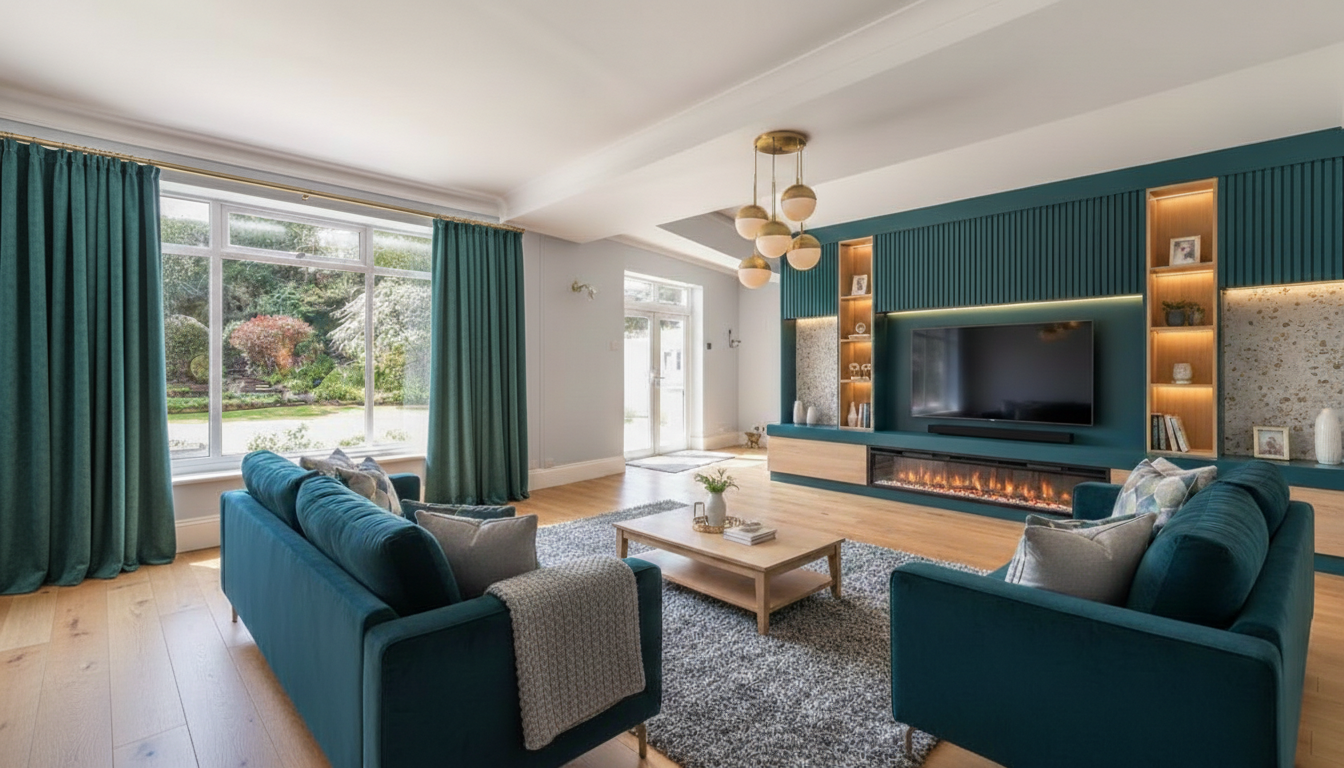
The Reason Your Listing is Sticking on Rightmove
There is a specific kind of frustration that keeps estate agents awake at night. It is the heartbreak of having a grand, beautiful instruction sitting stagnant on Rightmove. You know the one. It has the square footage, the prestigious postcode, and the history. It should have flown off the shelf in week one. But here [...]
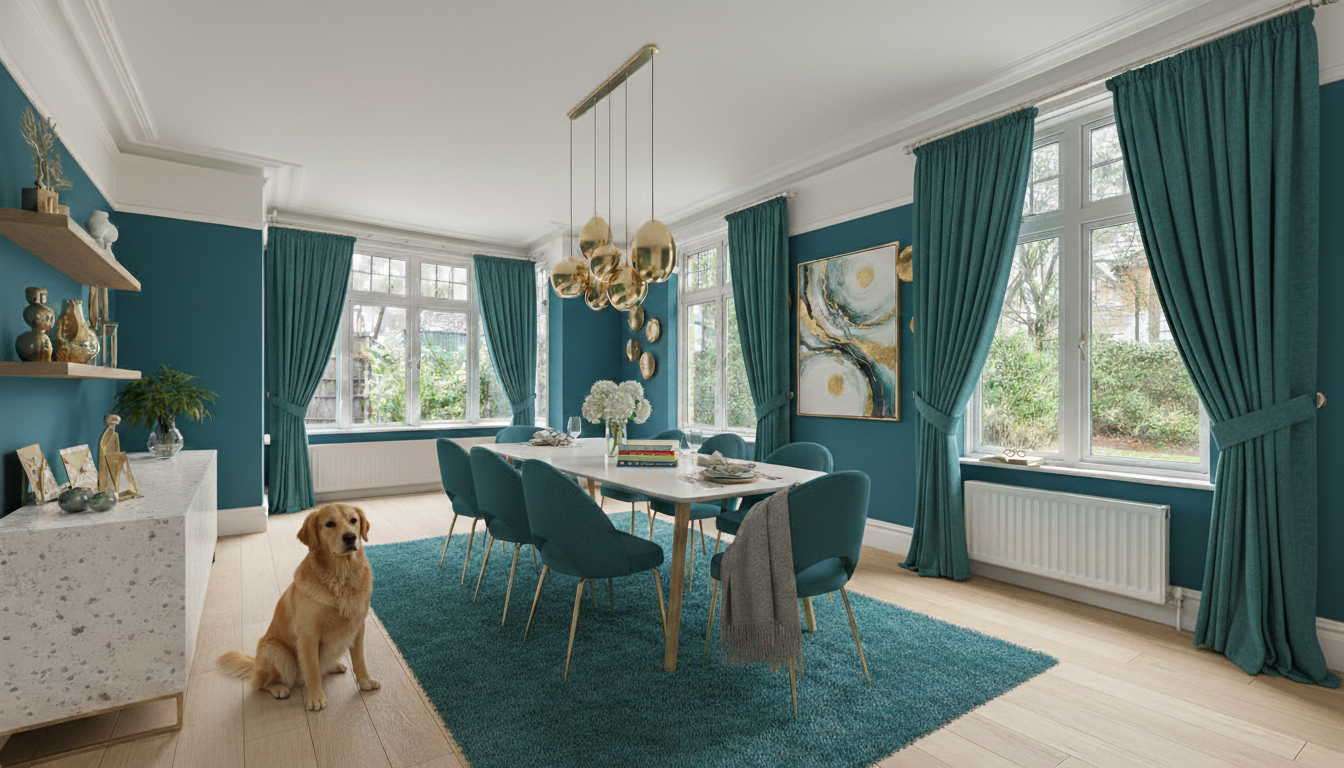
Why Sensory Virtual Staging Sells the Lifestyle in Seconds
You’re standing in a hallway with a couple, who have spent their entire Saturday morning looking at properties that lack any real character. You open the door to a room like this dining room - grand, period, but currently feeling a bit like a museum - and you watch their faces fall. They don't see [...]
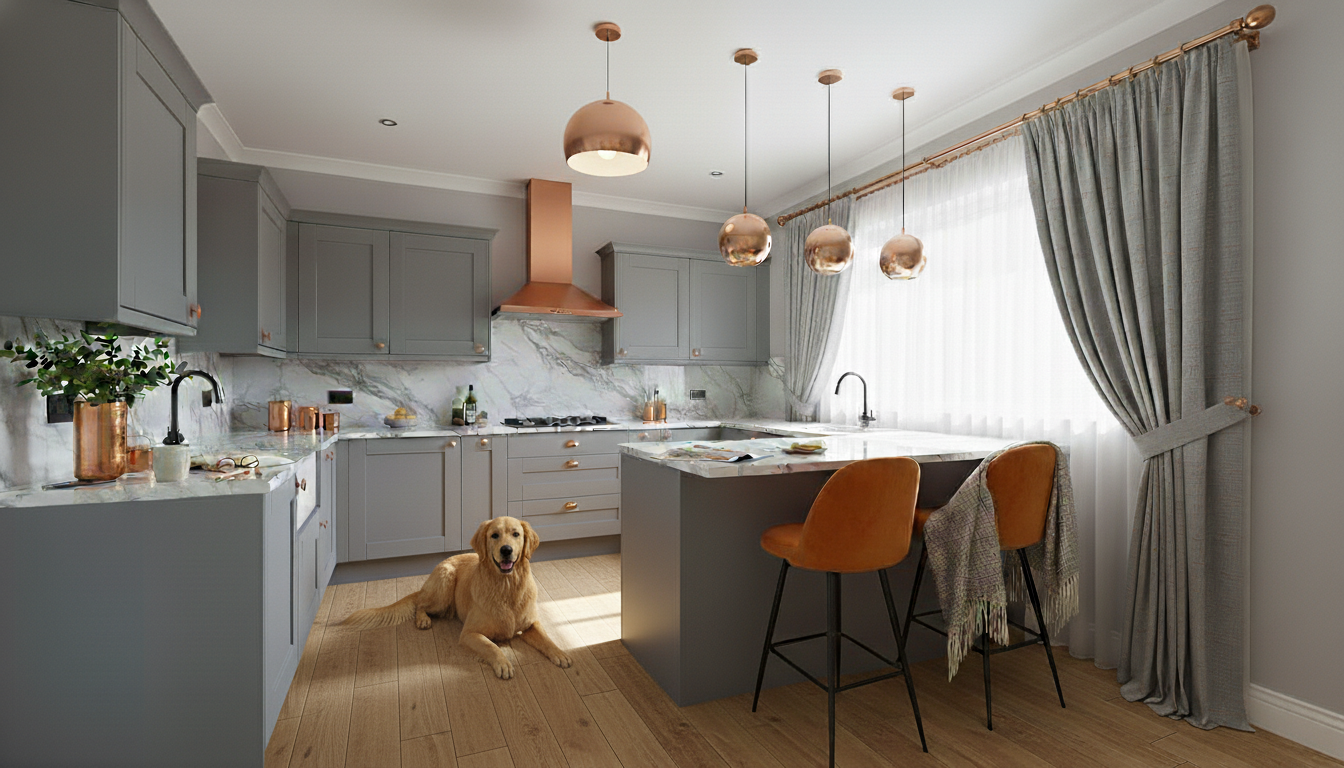
Hurdle Way Vision
Timelapse Short Film: From Day to Night Timelapse Short Film: From Day to Night Timelapse Short Film: From Day to Night [...]
Why We Now Create Lived-In Videos for Homeowners and Sellers
When you look at a room that needs work, it is often hard to see past the current reality. The peeling paper, the dark corners, the clutter- it all feels a bit heavy, doesn't it? It screams "work", rather than "welcome home." At AICI, we help you bridge the gap between "what is" [...]

The Peace Seeker: How to Create a Living Room That Holds You
The Heart of AICI: Designing for the Senses Standing in an empty room like this Victorian classic – with its bare floorboards and echoey bay window – is exciting, but it can also feel overwhelming. To help you visualise the potential, we styled this Victorian living room in 13 different ways, ranging from simple, well-known [...]
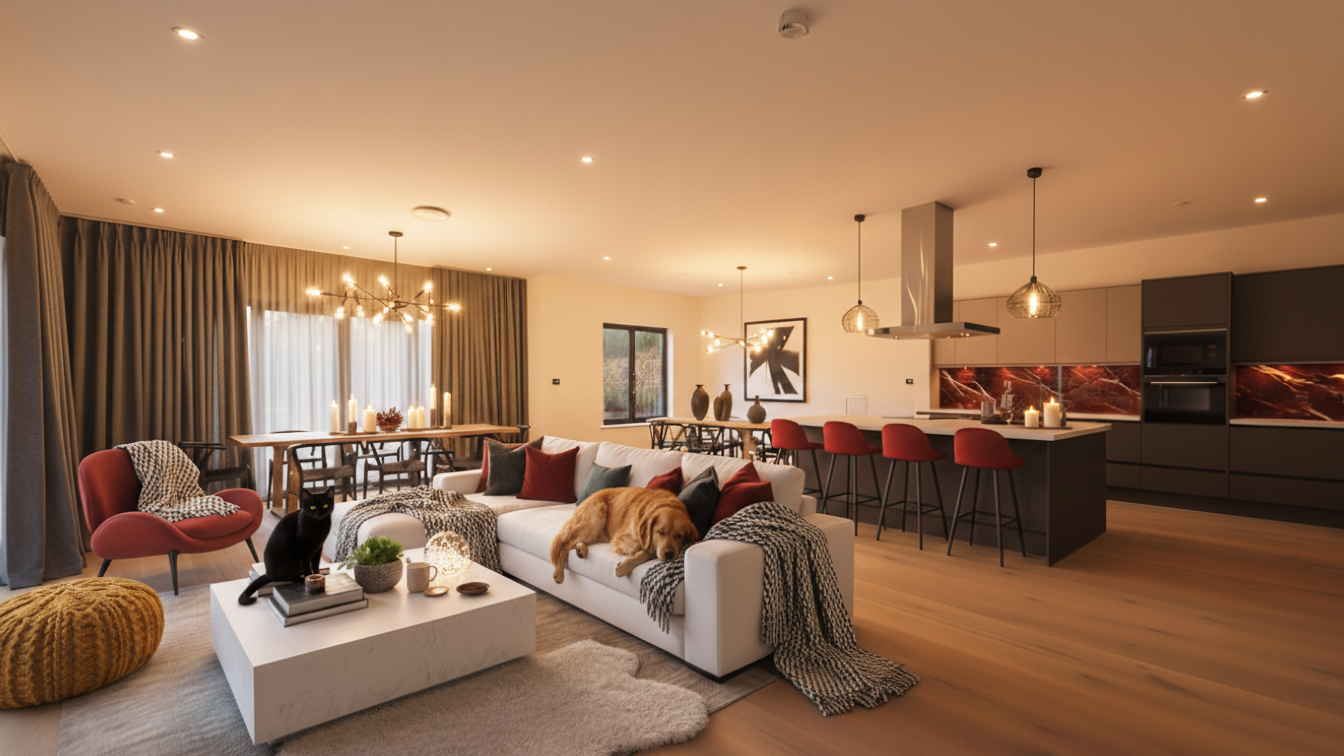
Why Your Open Plan Living Space Feels Cold – And How to Fix It With Sensory Design
After: The 'Peace Seeker' Living, presented during the day & evening Learn more about Peace Seekers After: The 'Sanctuary' Living, presented during the day & evening [...]

Happy New Year 2026: A Note from Editor
Firstly, Happy New Year 2026 to all of you.As we move into 2026, I’ve been thinking a lot about the "noise" of modern life. We are constantly bombarded with decisions, from the minute we wake up until we try to close our eyes at night. For a long time, interior design has actually added to that [...]

Why AI Won’t Replace Your Architect (Yet): A Real-Time Design Case Study
I'm not an architect. I don't calculate load-bearing weights, I don't stress about planning permission applications, and I definitely don't draw blueprints for a living. I'm an AI Designer. My job is all about visualization. I take the potential of a home: that "what if" feeling you get when you walk into a room, and [...]